
Why Is My Phone Not Detecting the SIM Card? Causes & How to Fix SIM Not Working Issues
Boston
November 28, 2025
Google Technology,iPad,iPhone,Repair,Samsung
Why Is My Phone’s Microphone Not Working? Common Causes & How to Fix It
You’re on an important call — but the other person keeps saying, “Hello? I can’t hear you!”
A faulty phone microphone is frustrating whether you’re making calls, recording videos, or using apps like WhatsApp or Zoom.
The good news? Most microphone issues are easy to diagnose.
Here are the real reasons your phone microphone isn’t working — and how to fix it.
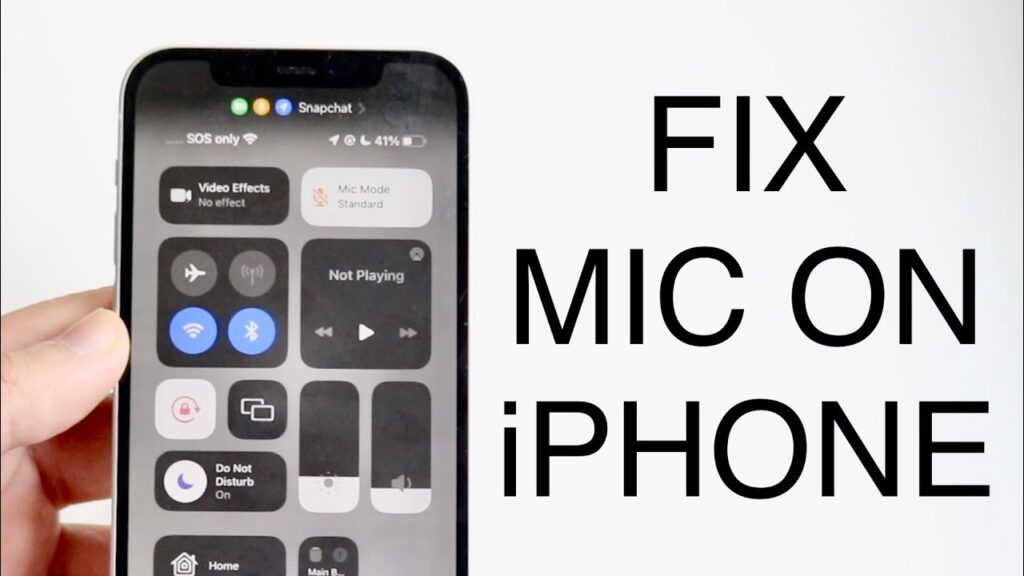
🎙️ 1. Dirt or Dust Blocking the Microphone
The microphone hole near the charging port or camera can easily get blocked with dust or lint.
How to Fix It
Gently clean the mic opening with a soft brush or toothpick
Blow gently (not forcefully) to remove trapped particles
Avoid using sharp tools
If the mic still sounds muffled, internal cleaning may be needed.
🔇 2. App Permissions Are Disabled
Sometimes the microphone is working — but the app you’re using doesn’t have permission.
Check This
iPhone: Settings → Privacy → Microphone
Android: Settings → Apps → Permissions → Microphone
Make sure the app (WhatsApp, Messenger, Camera, etc.) is allowed to use the mic.
📞 3. Connected Bluetooth Device
If your phone is connected to AirPods, earbuds, a car system, or a Bluetooth speaker — the microphone switches automatically.
Fix
Turn off Bluetooth
Disconnect all devices
Try the call again
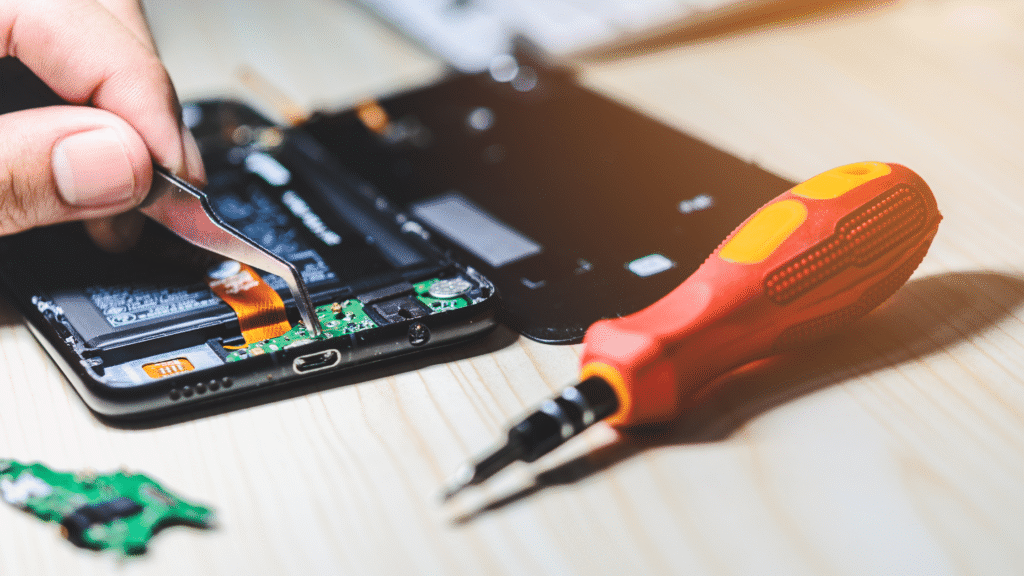
🎥 4. Camera or Voice Apps Using the Mic in Background
Another app running in the background may be “holding” the microphone.
Solutions
Close all apps
Restart the phone
Try a fresh call or voice note
Apps like TikTok, Messenger, Zoom, or Instagram sometimes cause this.
🧹 5. Software Glitch or Outdated System
Minor bugs can silently break your microphone.
Try This
Update iOS/Android
Restart your device
Reset app preferences (Android)
Reset all settings (iPhone — doesn’t delete data)
💧 6. Water or Physical Damage
A drop or liquid exposure can damage the mic module.
Signs of Hardware Damage
Mic not working in any app
Very low voice pickup
Crackle or robotic sound
This usually needs professional repair.
🧪 How to Test Your Microphone
Before assuming it’s broken, try these quick tests:
Open your Voice Recorder app and record a short message
Try calling someone
Use a video camera app to record your voice
Try speakerphone mode (uses a different mic)
If none of these work → hardware issue.
If only one doesn’t work → software/app issue.
🛠️ When to Visit a Repair Shop
You should seek professional repair if:
✔ Your mic doesn’t work in any app
✔ People can’t hear you at all
✔ Sending voice notes sounds muffled
✔ Phone had liquid damage or a recent drop
✔ Mic works only when on speaker
At Boston Mobile Phone Repairs, we can diagnose:
Microphone module damage
Water-damaged board
Faulty connectors
Software corruption
Audio IC issues
Fast diagnosis → reliable repair → clear sound again.
⭐ Final Thoughts
Phone microphone issues are common but often easy to fix. Try checking permissions, cleaning the mic, disconnecting Bluetooth, or updating your software.
If the problem continues, a quick professional repair can restore perfect call quality.
Have Any Question?
CALL 858-848-9004! OR BOOK YOUR REPAIR ONLINE TODAY!
- (+1) 858-848-9004
- info@bostonmobilephonerepairs.com