
Why Is My Phone Not Detecting the SIM Card? Causes & How to Fix SIM Not Working Issues
Boston
November 14, 2025
Google Technology,iPad,iPhone,Repair,Samsung
📵 Phone Not Ringing? Here’s Why You’re Missing Calls & How to Fix It
Missing important calls because your phone didn’t ring is frustrating — and surprisingly common. Whether you’re using an iPhone or Android, several settings or hardware issues can silence your phone without you realizing it. At Boston Mobile Phone Repairs, we see this problem almost every week.
Here’s how to fix it before you miss another call.
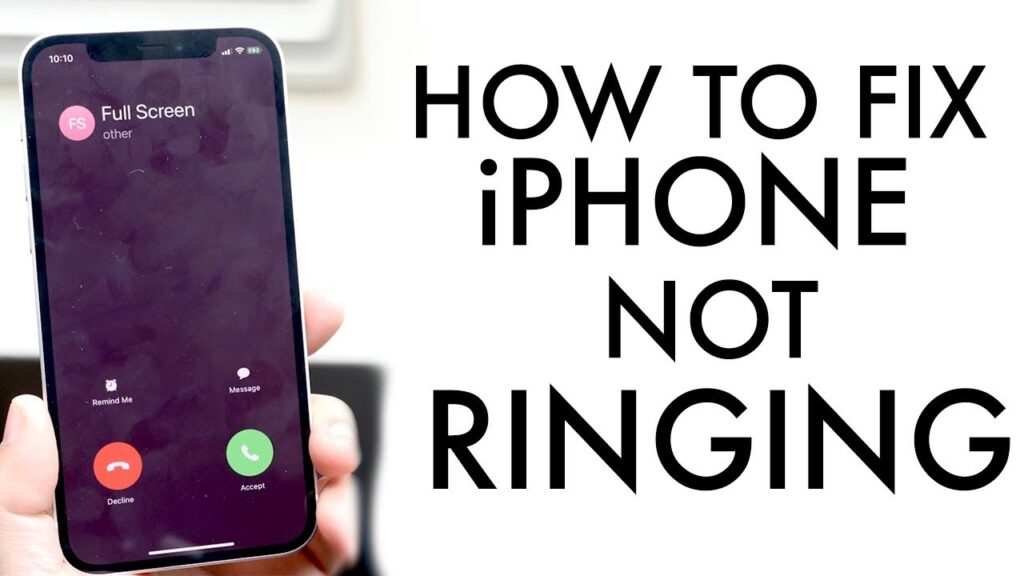
🔇 Common Reasons Your Phone Isn’t Ringing
Do Not Disturb or Focus Mode is ON
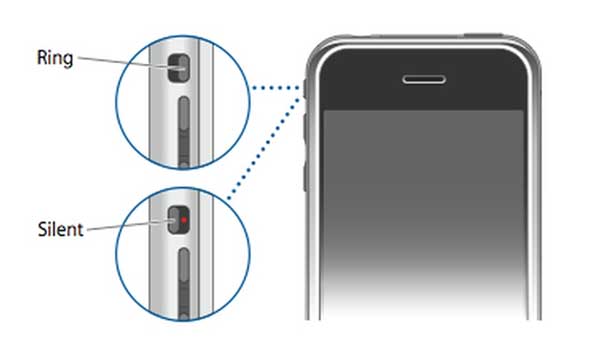
Silent switch activated (iPhone)
Volume level turned down accidentally
Blocked caller or unknown caller silence enabled
Bluetooth connected to headphones or car
Software glitch after an update
Damaged loudspeaker
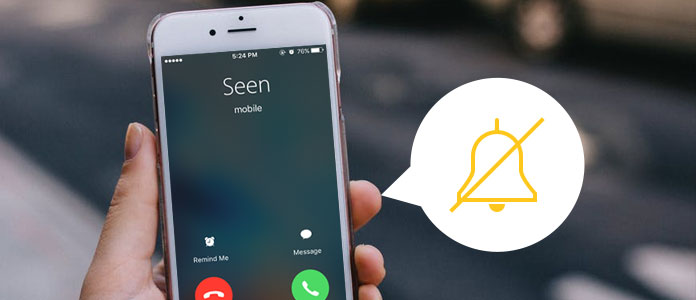
🔧 Quick Fixes You Can Try
1️⃣ Check Silent / Ring Mode
iPhone: Make sure the side switch is not set to silent.
Android: Press volume up and ensure “Ringtone” is not muted.
2️⃣ Turn Off Do Not Disturb / Focus Mode
These settings silence calls even when volume is up.
iPhone: Settings → Focus
Android: Settings → Notifications → Do Not Disturb
3️⃣ Disconnect Bluetooth
Your calls might be routing to earbuds or a speaker.
Turn off Bluetooth and test again.
4️⃣ Check Call Blocking Settings
Some phones silence unknown numbers automatically.
Turn off “Silence Unknown Callers” if needed.
5️⃣ Restart Your Phone
A simple reboot can fix sound routing glitches.
6️⃣ Test the Speaker
Play a video or ringtone to check if the loudspeaker works.
No sound? It may be a hardware issue.
🛠️ When You Need Professional Repair
If calls still don’t ring after troubleshooting, you might have:
A faulty loudspeaker
Damaged audio IC / sound chip
Water-damaged speaker module
Loose internal flex cables
We can help fix these safely and quickly.
At Boston Mobile Phone Repairs, we offer:
🔊 Loudspeaker replacement
💧 Water-damage cleaning
🧠 Full diagnostic testing
⚡ Same-day repair for most models
Have Any Question?
CALL 858-848-9004! OR BOOK YOUR REPAIR ONLINE TODAY!
- (+1) 858-848-9004
- info@bostonmobilephonerepairs.com